How to Streamline the Email Marketing Workflow Using Automation
28 October 2025
Let’s be honest—email marketing can be a bit of a beast. You’ve got tons of messages to craft, lists to segment, follow-ups to schedule, and performance to track. It’s a lot, right? But here’s the good news: it doesn’t have to be this way. If you’ve ever wished for a smoother, less chaotic process, then email marketing automation might just be your new best friend.
In this article, we’ll walk you through how to streamline the email marketing workflow using automation step by step. Whether you’re a small business owner, a busy marketer, or someone just getting started, this guide will help you reclaim your time while boosting your email marketing game.
What is Email Marketing Automation Anyway?
Let’s break it down. Email marketing automation is simply using software to send emails to your subscribers automatically based on specific triggers or schedules. You set it up once, and it runs like a well-oiled machine. Think of it like using autopilot in a plane—you still need to chart the destination, but the software takes care of the heavy lifting.Instead of manually sending each welcome email, abandoned cart reminder, or newsletter, automation does it for you. Pretty slick, right?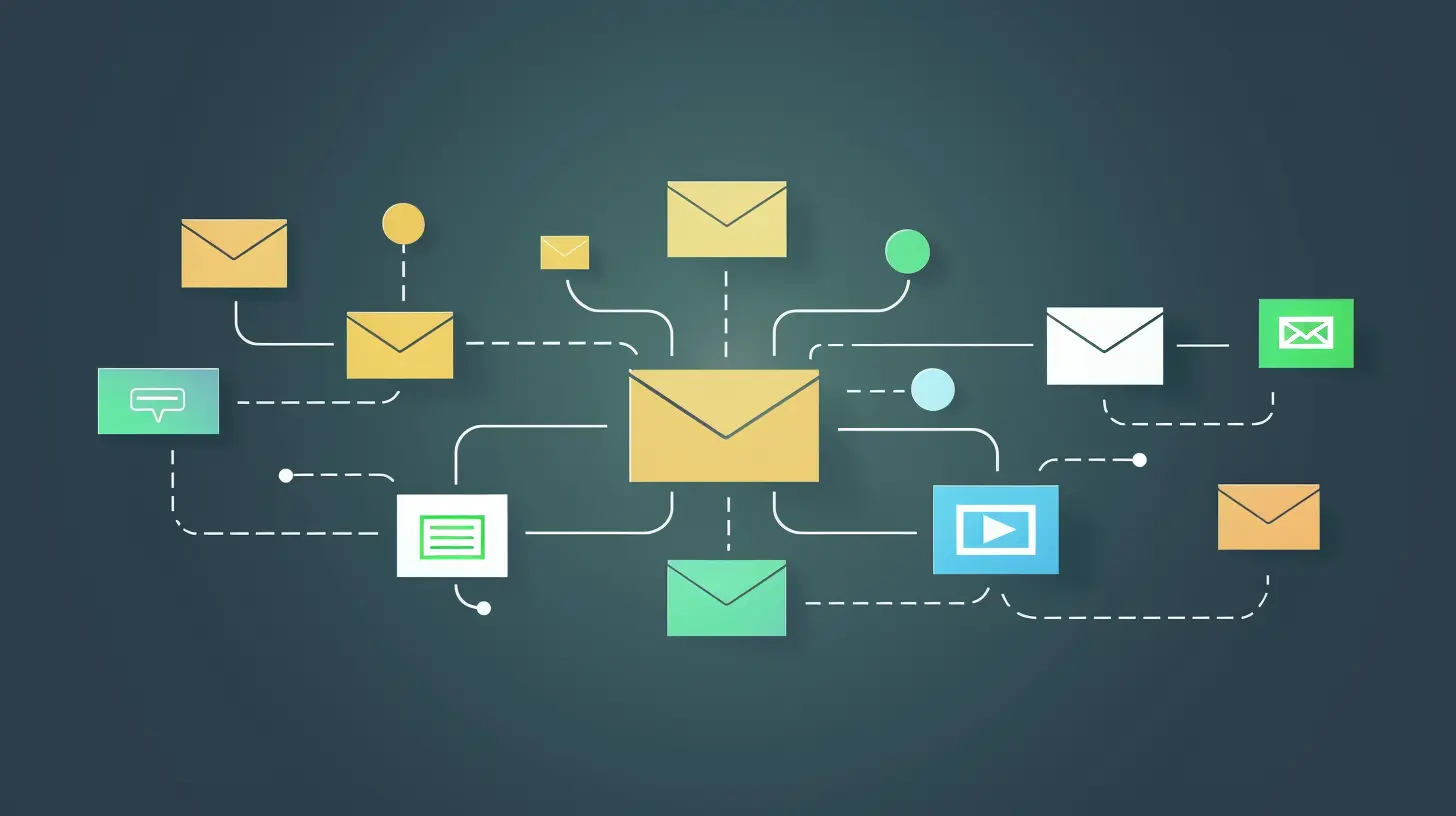
Why Should You Automate Your Email Marketing Workflow?
Still not convinced? Let’s take a second to talk about the "why" behind it. Here are a few reasons automation is a total game-changer:- Saves You Time: Stop spending hours sending out emails and more time growing your biz.
- Improves Consistency: Automation ensures every subscriber gets the right message at the right time—no falling through the cracks.
- Boosts Engagement: Targeted, timely emails usually mean better open rates and more clicks.
- Increases Revenue: Personalized automated emails can seriously boost conversions and revenue.
- Reduces Human Error: Less manual work = fewer mistakes.
So yeah, automating your workflow isn’t just convenient; it’s also smart marketing.
The Pillars of an Efficient Email Marketing Workflow
Before we dive into automation techniques, it helps to understand the key components that make up a typical email marketing workflow. Here’s a quick breakdown:1. Audience Segmentation
2. Email Content Creation
3. Scheduling and Sending
4. Performance Analysis
5. Optimization
Each of these steps can be automated to some degree. Let’s walk through how to do just that.
Step 1: Segment Your Audience Like a Pro
If you’re sending the same email to everyone on your list, stop right there. One-size-fits-all emails are a thing of the past. People expect tailored content, and segmentation is how you deliver that.Automate List Segmentation
Most email marketing platforms (like Mailchimp, ActiveCampaign, or ConvertKit) let you automatically segment subscribers based on actions, demographics, or behavior. Here’s how:- By Interest: Tag subscribers based on what they clicked.
- By Behavior: Automatically segment users who abandoned a cart or visited a product page.
- By Lifecycle Stage: New subscriber? Loyal customer? Your messaging should reflect that.
Once you’ve set up dynamic lists or tags, your subscribers basically sort themselves. No more messy spreadsheets. Pretty neat, huh?
Step 2: Craft Your Emails Ahead of Time
Now, let’s talk emails. You’ll still need to write them (automation can’t do everything), but you can design smarter workflows that save you tons of time.Use Email Templates
Create a bank of reusable templates for things like newsletters, product announcements, or event invites. Most platforms let you store and duplicate these layouts.Automate Drip Campaigns
Ever sign up for something and instantly get a welcome series? That’s a drip campaign. Here’s how you can use them:- Welcome Series: Introduce new subs to your brand.
- Onboarding Flow: Teach users how to use your service.
- Nurture Campaigns: Share valuable tips and build trust over time.
- Re-engagement Series: Bring inactive subscribers back into the fold.
You write these emails once, then schedule them to send automatically over days or weeks. It’s the closest thing we have to cloning yourself.
Step 3: Schedule and Send With Intelligence
Sending mass emails on a whim? Not a great strategy. Timing matters—a lot.Smart Send Times
Most email marketing platforms analyze user activity to figure out when your audience is most likely to open an email. Use that data. Set emails to send at optimal times automatically.Trigger-Based Emails
This is where true automation shines. These are emails that go out based on a user’s action—or lack thereof.Some examples:
- Cart Abandonment: “Hey, you left something behind.”
- Birthday Emails: “Happy Birthday! Here’s 20% off.”
- Thank You Emails: “We appreciate your purchase!”
These kinds of emails usually outperform generic blasts because they’re relevant and personal.
Step 4: Track Performance Without Lifting a Finger
You can’t improve what you don’t measure. But honestly, who has time to manually track all this stuff?Use Built-In Analytics
Most automation platforms offer real-time dashboards showing open rates, click-through rates, conversion rates, and more.Set Alerts and Goals
Set up automatic alerts that notify you when:- A campaign underperforms
- A subscriber reaches a milestone
- Revenue from an email crosses a threshold
This keeps you in the loop without needing to micromanage.
Step 5: Optimize, Rinse, Repeat
Automation doesn’t mean “set it and forget it.” You still need to tweak and improve over time.A/B Testing on Autopilot
Good automation platforms let you test subject lines, content, images—even send times—automatically. The system will send two different versions, then continue with the winner. You learn what works without manually comparing numbers.Use Machine Learning (If Available)
Some tools now include AI-powered optimization, where the system learns from your past campaigns to improve future ones. It’s like having a little marketing genius in your pocket.Tools to Help You Get Started
Ready to dip your toes into the world of automated bliss? Here are a few top-rated tools you might want to check out:- Mailchimp – Easy to use, great for beginners.
- ActiveCampaign – A more advanced tool for serious marketers.
- Klaviyo – Ideal for eCommerce businesses.
- HubSpot – Best for integrating with sales and CRM.
- ConvertKit – Perfect for creators and bloggers.
Each of these platforms comes packed with automation features suited to different business needs.
Common Mistakes to Avoid
Before you hit autopilot, a quick warning: automation is powerful, but it can backfire if misused. Here are some pitfalls to dodge:- Over-Automating: If your emails feel robotic, people will tune out. Keep things human.
- Poor Segmentation: Sending the wrong message to the wrong person? Yikes.
- Neglecting Follow-Up: Automation isn’t a substitute for engagement. Still reply, follow up, and connect personally when needed.
- Never Testing: Always be testing. Seriously.
Remember, automation should feel magical to the recipient—not mechanical.
Final Thoughts
Let’s face it—email marketing can be overwhelming. But with the right automation strategy in place, you can go from frazzled to focused. Email marketing automation isn’t just a trend; it’s a smarter way to do business. It saves you time, helps you be more consistent, and brings in better results.So don’t be afraid to dive in. Start small. Set up a simple welcome series or automate your newsletter. Test things out. You’ll be amazed by how much more efficient your workflow becomes—and how much more you can get done with a lot less hustle.
And with all the hours you save? Maybe you’ll finally have time for that second cup of coffee in peace.
all images in this post were generated using AI tools
Category:
Email MarketingAuthor:

Rosa Gilbert
Discussion
rate this article
1 comments
Penelope Bowers
Embrace automation for efficiency and impactful connections!
November 11, 2025 at 12:49 PM
Rosa Gilbert
Thank you! Embracing automation indeed enhances efficiency and helps foster meaningful connections with our audience.